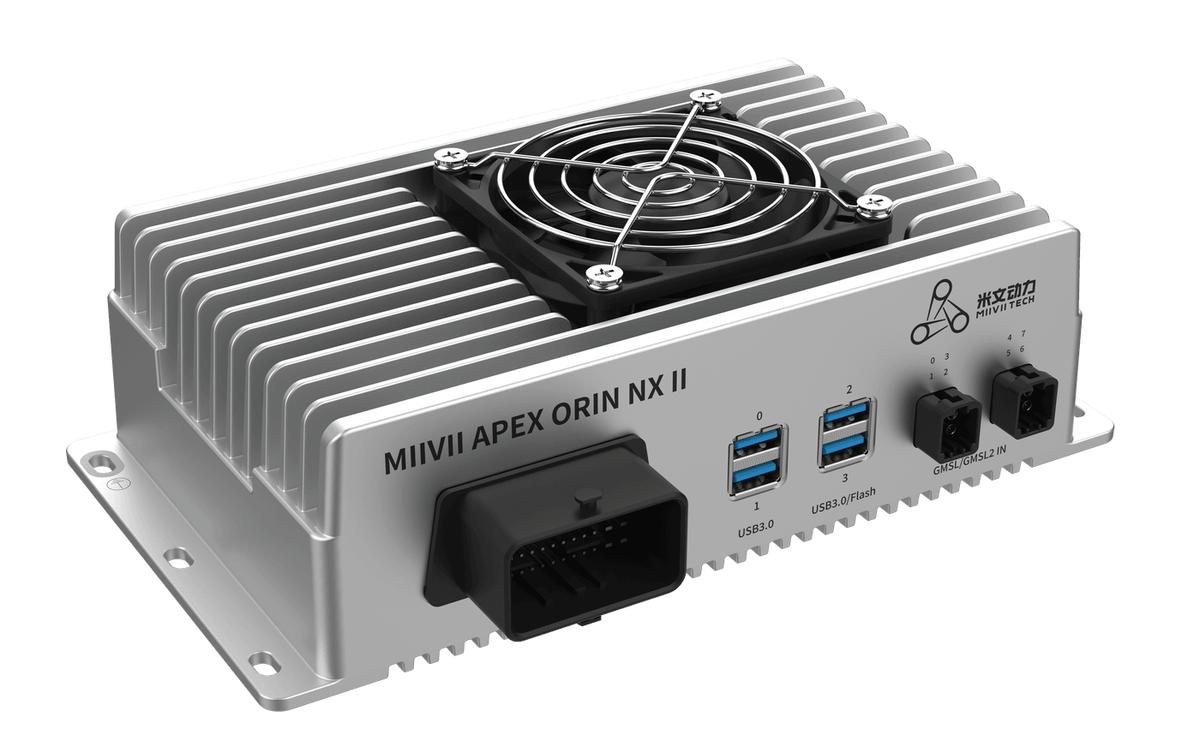
APEX ORIN NX II Startup Applications#
Overview#
Most MIIVII products require applications to start automatically at boot.
Cameras and other sensors take time to initialize. This example shows how to configure an application to start after initialization.
Configuration#
sudo vim /etc/systemd/sync_auto.sh
Modify the following file:
### Added code
# Wait for the camera to initialize
sleep 60
# Run the customer's startup application
/usr/local/bin/customer_startup_script.sh &

##############

while :
do
sleep 1
done
Example customer_startup_script.sh
sudo vim /usr/local/bin/customer_startup_script.sh
# Add the content below
sudo chmod +x /usr/local/bin/customer_startup_script.sh
#!/bin/bash

# Example customer startup script

# Log file path
LOG_FILE="/var/log/customer_startup.log"

# Write a message to the log file
log_message() {
    echo "$(date '+%Y-%m-%d %H:%M:%S') - $1" >> "$LOG_FILE"
}

# Clear the previous log
> "$LOG_FILE"

# Record startup
log_message "Customer startup script started"

# Simulate initialization tasks
log_message "Initializing system configuration..."
sleep 2
log_message "System configuration initialized"

log_message "Starting customer application..."
sleep 3
log_message "Customer application started successfully"

# Simulate a continuously running process
while true; do
    log_message "Customer application is running..."
    sleep 300  # Log once every 5 minutes
done
Verification#
Check the log at the following path to confirm that your script ran correctly.
/var/log/customer_startup.log