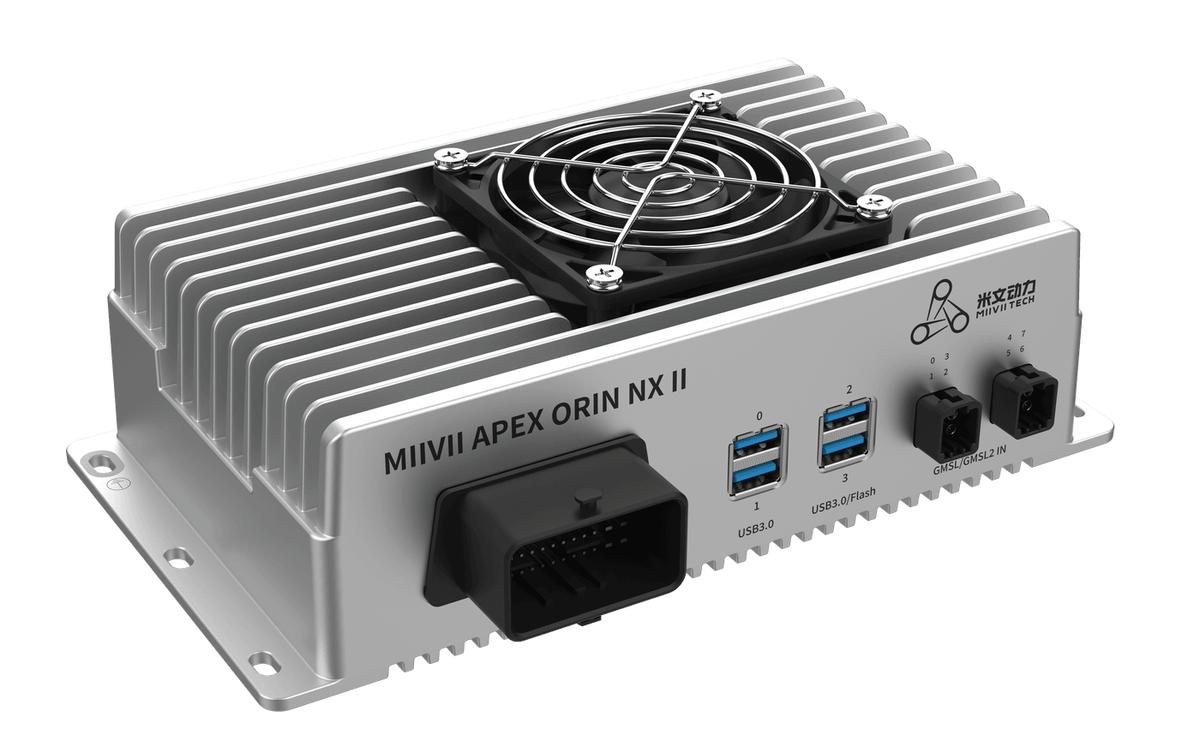
APEX ORIN NX II LTS DEB Package Update#
This function is supported starting with version 5.1.1-2.2.0.xx.
Prerequisites#
1 Obtain all DEB packages required for the update (all packages under deb-ota/). 1 Copy the DEB packages to the same directory on the device, for example /home/nvidia/.
Installation#
#Open a terminal and use cd to enter the directory containing the DEB files, for example: cd /home/nvidia/

#Install the miivii-l4t-core DEB package and resolve dependencies automatically
sudo apt install ./miivii-l4t-core-*.deb -y

#Remove the miivii-l4t-core DEB package file
rm miivii-l4t-core-*.deb

#Install the other DEB packages
sudo dpkg -i --force-overwrite *.deb

#Restart the device
sudo reboot
After these commands are run, the system automatically completes the update in approximately 8 minutes.
During the update, the system restarts automatically and displays an Update Progress bar.
The update is complete when the Ubuntu login screen appears.
Verify the Results#
#Use the following commands to compare the system before and after the update and verify successful installation
# 1. Check whether the miivii_release version matches the expected version
cat /etc/miivii_release

# 2. Verify the bootloader update: run the following command before and after the update to check "Capsule update status"
# "Capsule update status: 0" before the update and "Capsule update status: 1" after it indicate a successful bootloader update
sudo nvbootctrl dump-slots-info
Troubleshooting#
Issue 1: Power Mode does not change after the update.#
Solution: the update mechanism does not change Power Mode. Change it manually.
Issue 2: an unexpected power loss occurs during the update.#
Solution: after power is restored, the system can complete the update automatically.