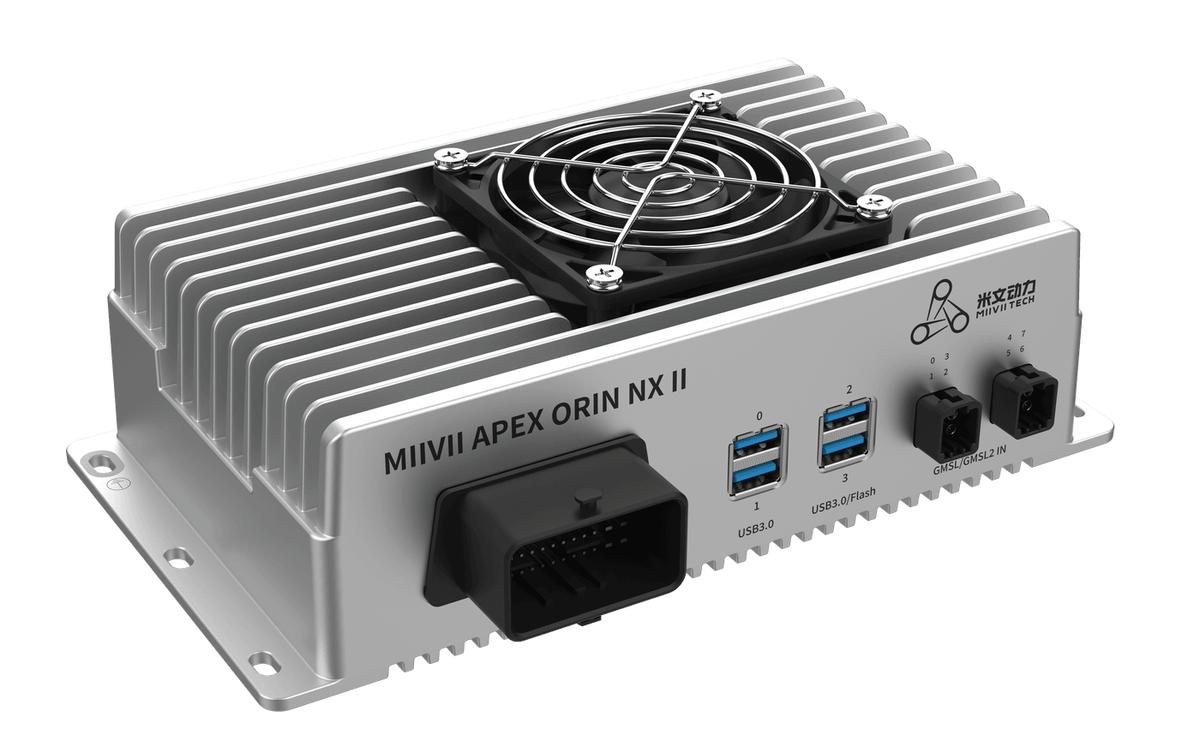
APEX ORIN NX II Real-Time Kernel#
Obtain the Real-Time Kernel#
Download it from the corresponding image download directory on the MIIVII website.
Installation#
# Open a terminal and use cd to enter the directory containing the deb files, for example:
cd /home/nvidia/
# Replace the deb package versions with the versions you are using.
sudo dpkg -i --force-overwrite nvidia-l4t-rt-kernel-4.2.12.65-arm64.deb nvidia-l4t-rt-display-4.2.12.65-36.4.0-arm64.deb nvidia-l4t-rt-kernel-headers-4.2.12.65-arm64.deb nvidia-l4t-rt-kernel-oot-modules-4.2.12.65-arm64.deb
# Restart the device.
sudo reboot
Set the CPU Load Percentage#
# Installation:
# Extract chaosblade-1.7.3-compiled.tar, copy the entire extracted directory to the device, and run the following commands.
# Set the load percentage (both commands below must be run for the operation to take effect).
./blade create cpu load --cpu-percent 60
./blade destroy beeaaf3a7007031d
Verification#
1. Install the test tools.
sudo apt-get install rt-tests
2. Run the test.
sudo cyclictest -l100000 -m -a0 -t1 -p99 -i400 -h400 -q
Without the Real-Time Patch |
With the Real-Time Patch |
||
|---|---|---|---|
CPU 10% |
cyclictest |
Min Latencies: 1 us Avg Latencies: 7.4 us Max Latencies: 1256.6 us Histogram Overflows: 47 |
Min Latencies: 1 us Avg Latencies: 3 us Max Latencies: 111.8 us Histogram Overflows: 0 |
CPU 50% |
cyclictest |
Min Latencies: 1 us Avg Latencies: 2 us Max Latencies: 178 us Histogram Overflows: 0 |
Min Latencies: 1 us Avg Latencies: 2 us Max Latencies: 22.6 us Histogram Overflows: 0 |
CPU 70% |
cyclictest |
Min Latencies: 00001 us Avg Latencies: 2 us Max Latencies: 69 us Histogram Overflows: 0 |
Min Latencies: 1 us Avg Latencies: 2 us Max Latencies: 18 us Histogram Overflows: 0 |
CPU 100% |
cyclictest |
Min Latencies: 1.2 us Avg Latencies: 2 us Max Latencies: 139 us Histogram Overflows: 0 |
Min Latencies: 1 us Avg Latencies: 2 us Max Latencies: 24.8 us Histogram Overflows: 0 |