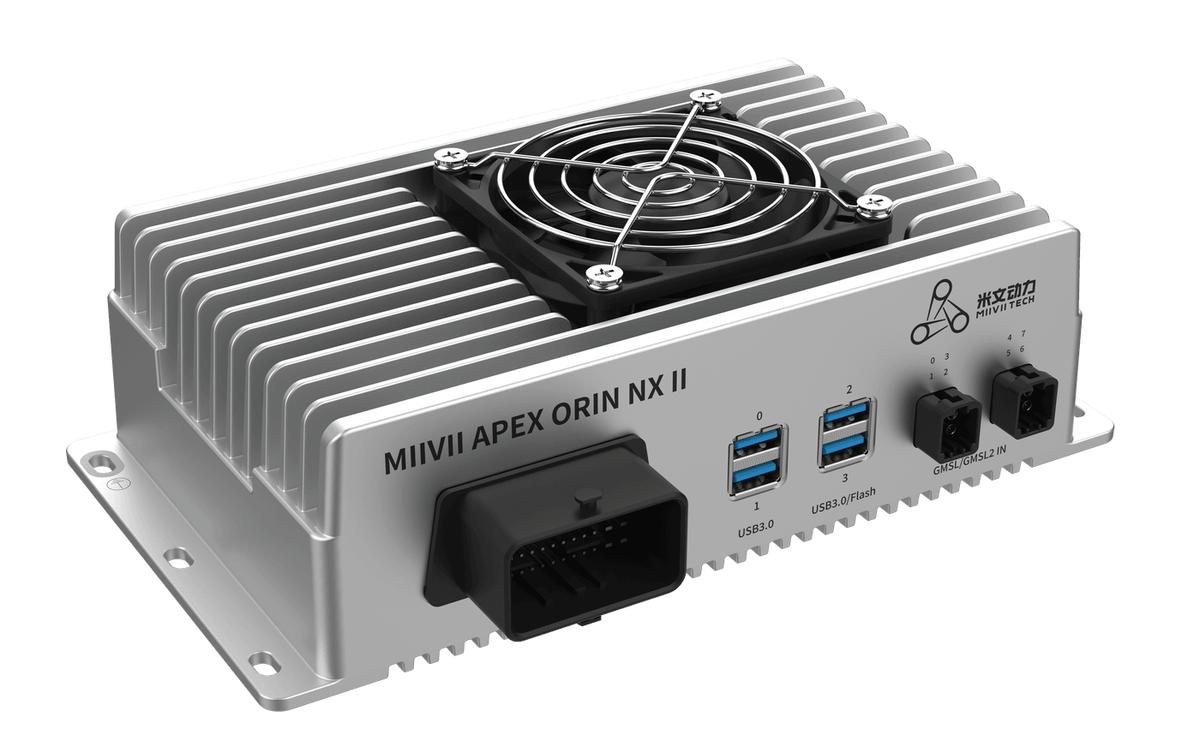
APEX ORIN NX II Audio#
#
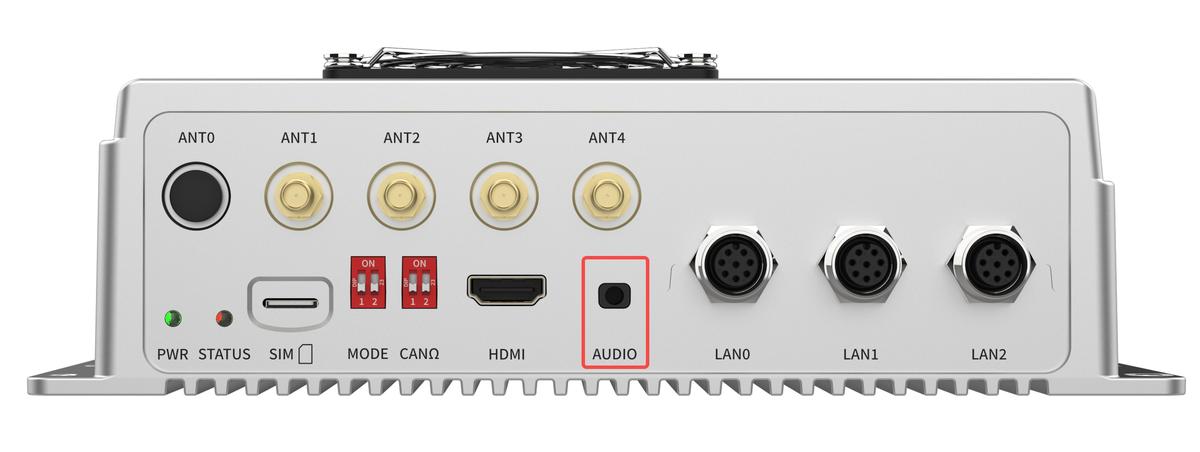
Hardware Specifications#
Hardware Specification Definitions#
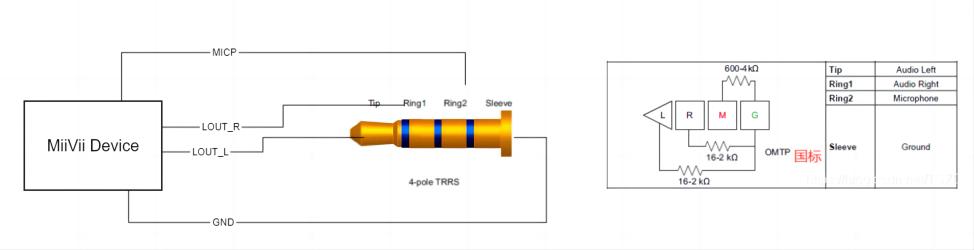
3.5 mm Audio Interface
Function |
Overview |
|---|---|
MIC_P |
Microphone |
LOUT_L |
Left Channel |
LOUT_R |
Right Channel |
GND |
Ground |
Usage#
Connect a headset with a microphone and recording capability to the device audio interface. The headset audio route is managed by PulseAudio’s
profile; both recording and playback use
.
1. Recording#
Run the following command and speak into the headset microphone to record 10 seconds of audio as cap.wav in the current directory:
arecord -D pulse -f S16_LE -r 48000 -c 2 -d 10 cap.wav
Parameter descriptions:
specifies signed 16-bit little-endian format;
specifies a 48 kHz sample rate;
specifies two channels;
specifies a 10-second recording. Two channels prevent a mono file from being mapped to only one side.
2. Playback and Verification#
After recording, run the following command in the same directory and use the headset to confirm that the recorded speech is clear:
aplay -D pulse cap.wav