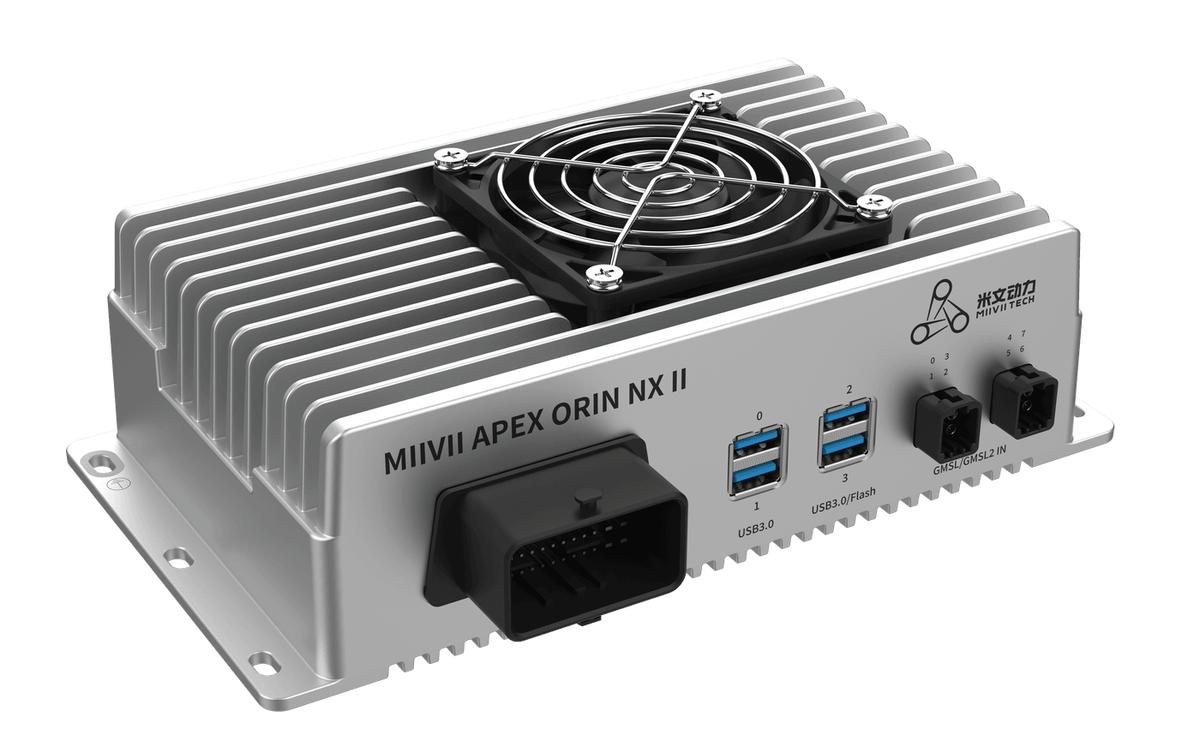
APEX ORIN NX II I/O Harness Installation#
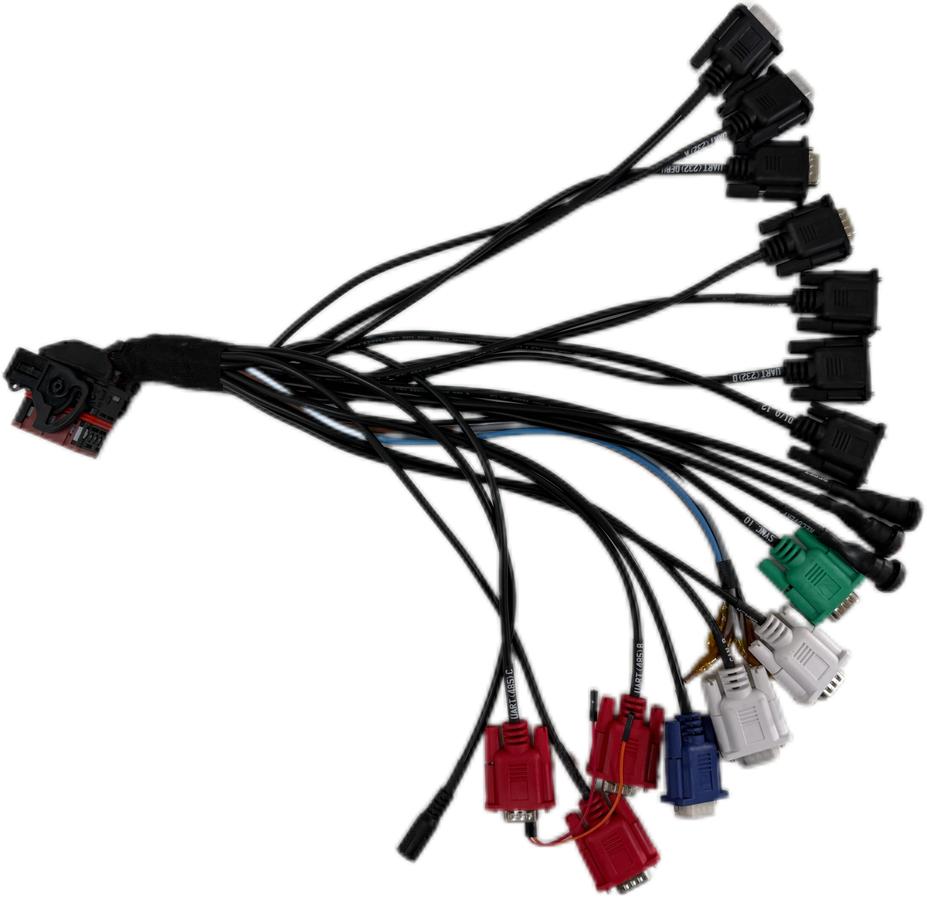
APEX ORIN NX II uses one 48-pin EXPANSION interface. Use the APEX ORIN NX II 48-pin I/O adapter harness shown below.
48-Pin I/O Adapter Harness#
Installation#
1 Disconnect the device power. Align the 48-pin connector with the EXPANSION interface. Align the flat end of the latch with the semicircular projection, then push the connector straight in. 1 Hold the connector and turn the latch 90° clockwise. 1 A click indicates that the latch is engaged.
Removal#
With the device power disconnected, press the retaining projection, turn the sliding latch counterclockwise, and remove the connector straight out.
For the harness functions and connections, see I/O Adapter Cable. To build a custom cable, contact MIIVII Sales or After-Sales Support for the cable design documents for your hardware revision.