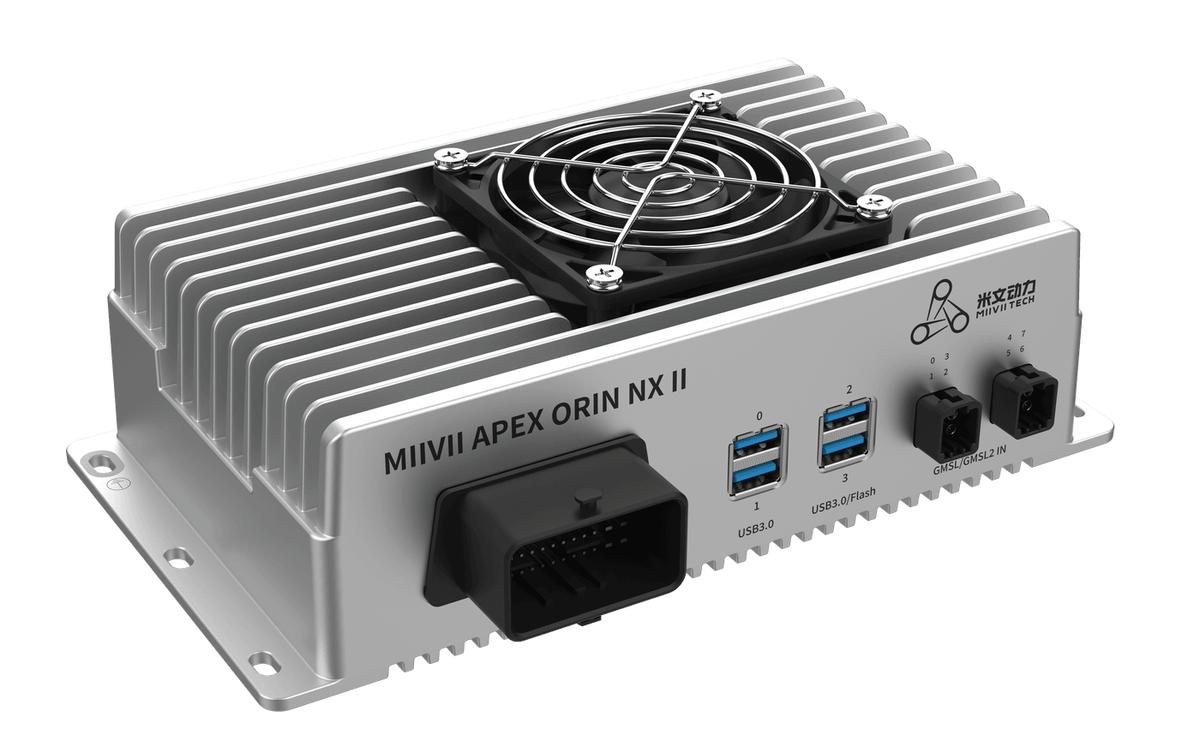
APEX ORIN NX II Power On#
Before powering on, check the following:
Check that the input power is 14–36 V DC.
Connect the APEX ORIN NX II 48-pin I/O adapter harness to the EXPANSION interface.
Connect the power adapter through the DC power connector described below.
After checking all connections, turn on the power.
DC Power Connection#
The straight DC barrel connector has an outer diameter of approximately 5.5 mm, an inner diameter of approximately 2.5 mm, and a plug length of approximately 14 mm. Connect it to the power adapter to supply power to the device.
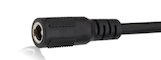
See Power Interface for the device connector and electrical specifications.
Log In#
MIIVII devices run Ubuntu. The default username is nvidia and the default password is nvidia.
Shut Down#
Command Line#
sudo poweroff
Restart#
Command Line#
sudo reboot
Suspend#
Command Line#
sudo systemctl suspend
Log Out#
Graphical Desktop#
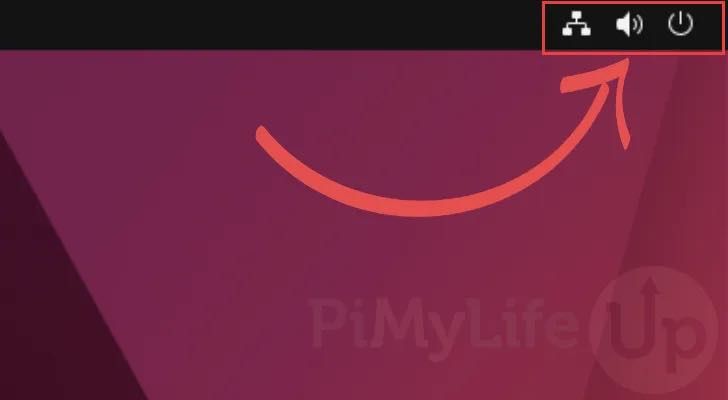
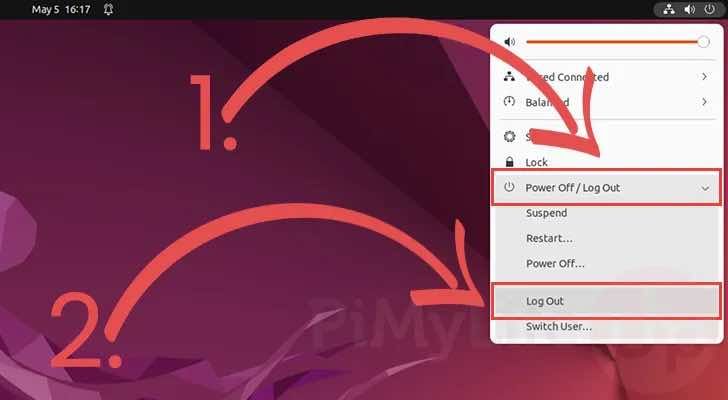
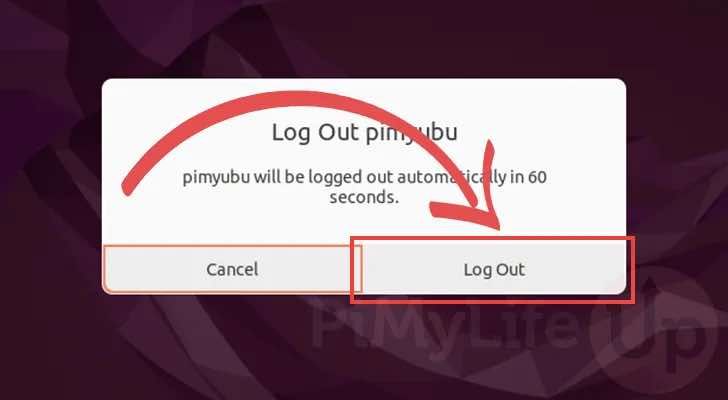
Command Line#
logout
Startup Troubleshooting#
Symptom: The device receives power but cannot boot into the operating system.#
Check 1: Hardware Connections#
Step 1: Check that the power adapter meets the device requirements.#
APEX ORIN NX II requires a 14–36 V DC input. Refer to Specifications and Power Interface for the power requirements for your device and hardware revision.
If the adapter meets the requirements, continue to Step 2.
Otherwise, replace it with a suitable adapter.
Step 2: Cross-check the Adapter#
Connect the adapter from Step 1 to another compatible device that boots normally.
If the other device also fails to boot, the adapter may be faulty. Replace it.
If the other device boots normally, continue to Check 2: Startup Logs.
Check 2: Startup Logs#
Step 1: Connect the Debug Serial Port#
Procedure: https://wiki.miivii.com/pages/viewpage.action?pageId=182034056.
If there is no output, a hardware issue may be present.
If startup logs appear but boot stops, record the error and send the logs to MIIVII technical support.
If you can reflash the image, reflash it to check whether the system software is the cause.
Procedure: https://wiki.miivii.com/pages/viewpage.action?pageId=182034027.
If the login prompt is available, use df -h to check disk usage. Remove unnecessary files, restart, and try again.