APEX ORIN NX II Power Mode#
Overview#
The device uses MAXN mode by default.
Power modes allow you to control overall power consumption to suit different operating conditions.
Set the Power Mode in the GUI#
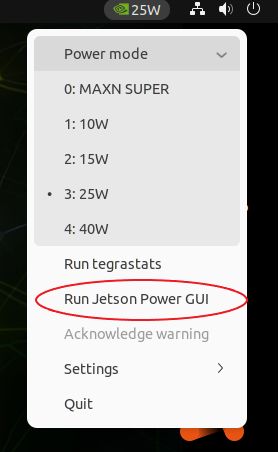
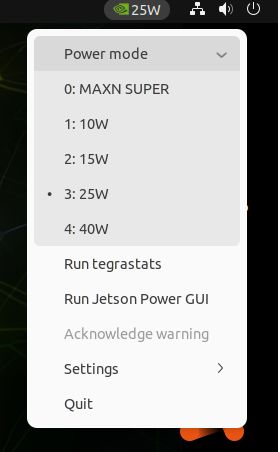
Click the green icon in the upper-right corner.
Select a power mode.
#
 Set the Power Mode from the Command Line
sudo /usr/sbin/nvpmodel -m <power_mode>
# Example: sudo /usr/sbin/nvpmodel -m 0 sets the power mode to MAXN.
View System Status in the GUI#
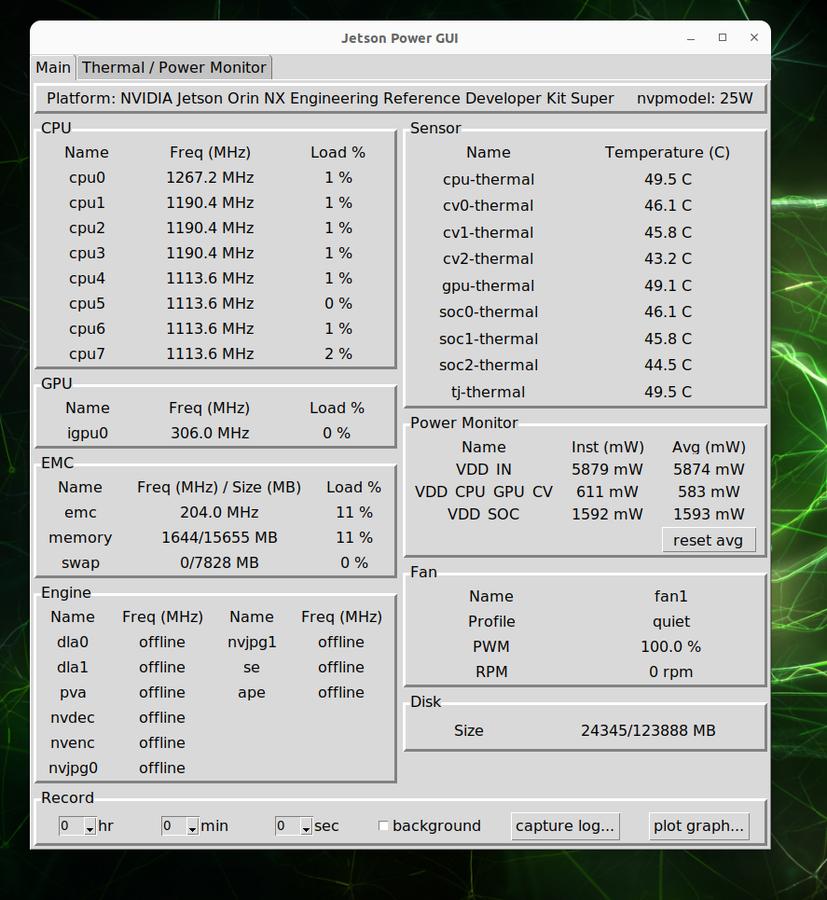
Select RUN Jetson Power GUI to view more detailed information in the application window.