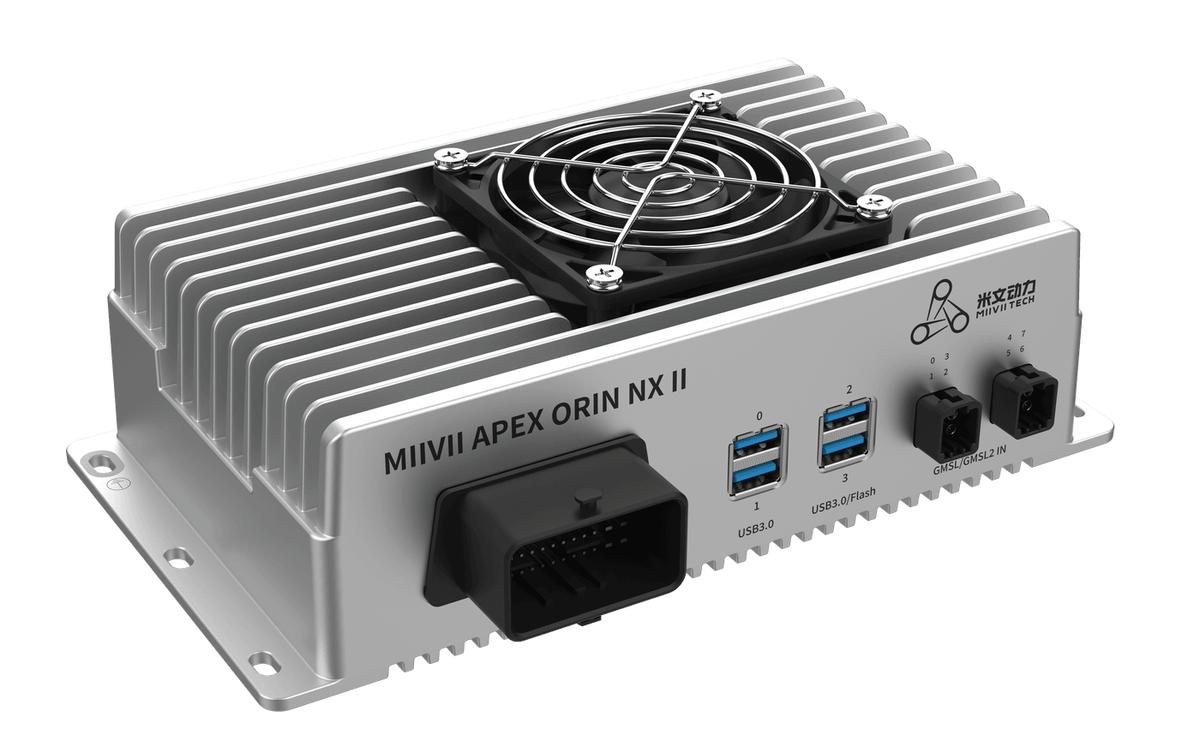
APEX ORIN NX II Maintenance#
Safety and Usage Precautions#
Read this manual before using the product. Unauthorized or incorrect operations may cause faults or accidents. The manufacturer is not responsible for problems caused by incorrect operation.
Avoid hot-plugging device interfaces.
To shut down correctly, first shut down Ubuntu, then disconnect power. Due to the characteristics of Ubuntu, forcibly disconnecting power before startup completes on an NVIDIA development board has a 0.03% probability of causing an error that prevents startup. MIIVII devices use Ubuntu and can have the same issue.
Use the cables specified in this manual.
Avoid operating the device in strong magnetic fields.
Back up data before long-term storage or transportation.
Use the original packaging for transportation where possible.
Warning: This is a Class A product. In a residential environment, it may cause radio interference, in which case the user may need to take appropriate measures.
If using a power adapter, select a CCC-certified adapter that meets the applicable requirements.
Routine Cleaning and Maintenance#
Clean the enclosure with a dry, antistatic cloth.
Avoid solvent-based cleaners.
Remove accumulated dust around the device. Keep ventilation openings clear and ensure the fan is unobstructed.
Dust and Water Protection#
The device has been treated for dust and water protection. If additional protection is required, purchase the corresponding expansion module.
Inspect connectors regularly for damage to maintain the specified protection level.
Storage#
For long-term storage, keep the device at −40°C to 80°C and 10%–90% humidity.
Troubleshooting#
Check that all connections are correct and secure.
Operate the device within its specified temperature range.
If the device does not start normally, try using the Recovery button to perform a hardware reset.
Upgrades and Expansion#
Use the Mini PCIe and M.2 interfaces for hardware expansion as required.
Keep the system firmware and software up to date for optimal performance and security.
Service and Support#
Technical Support#
If you encounter a problem or suspect a product defect, email helpdesk@miivii.com for assistance. You can also visit the MIIVII technical forum http://forum.miivii.com and search the knowledge base for solutions to common issues.
Warranty#
Warranty period: One year from the date of purchase. Warranty terms: During the warranty period, faults not caused by misuse are covered by free warranty service. Contact helpdesk@miivii.com for warranty assistance.