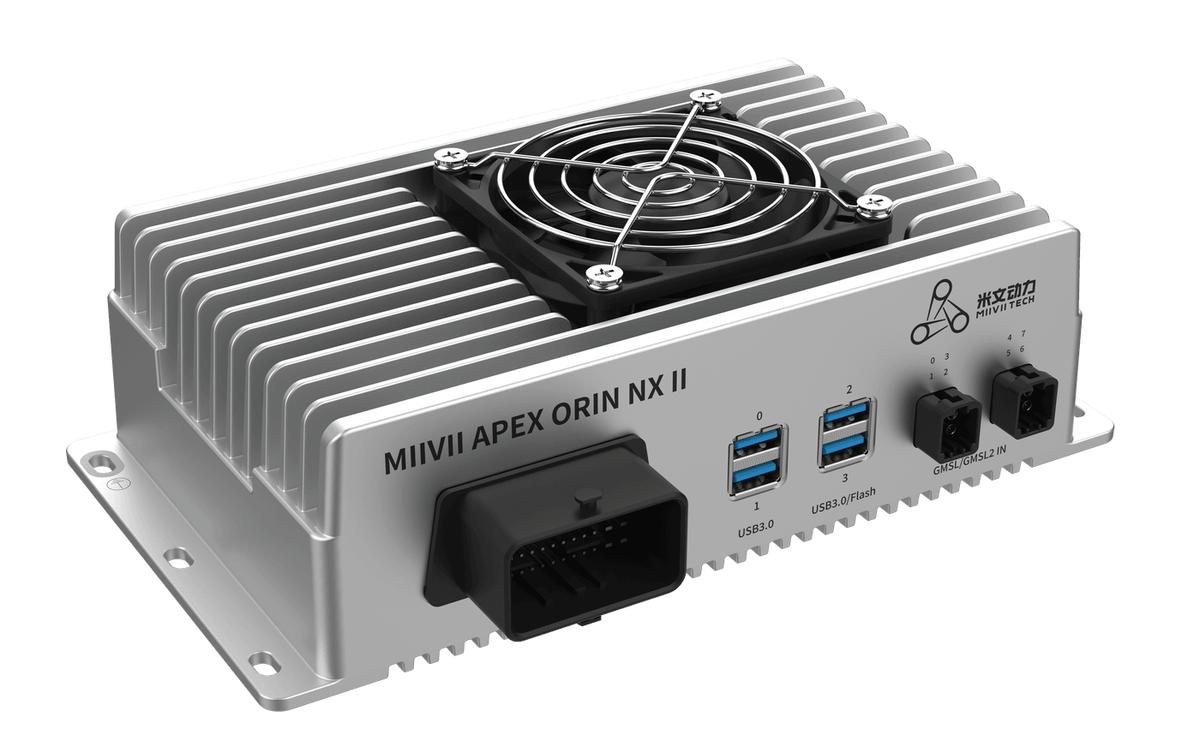
APEX ORIN NX II GMSL Camera Fault Recovery#
Usage#
If fault monitoring or the application detects a camera fault, use the following procedure to power-cycle the camera and restore operation.
Reset the Camera (Power Off and On)#
cp -r /opt/miivii/features ~/
cd ~/features/gmsl_camera
sudo make;
# Open the camera.
sudo ./bin/cameras_power_reset
Verify Operation
# Before RESET, run the camera SDK and confirm that images are displayed.
# After RESET, the camera image freezes for approximately 1 minute and the following message appears.
reset_Dser_Ser_camera_link success!
# The camera then resumes normal operation.