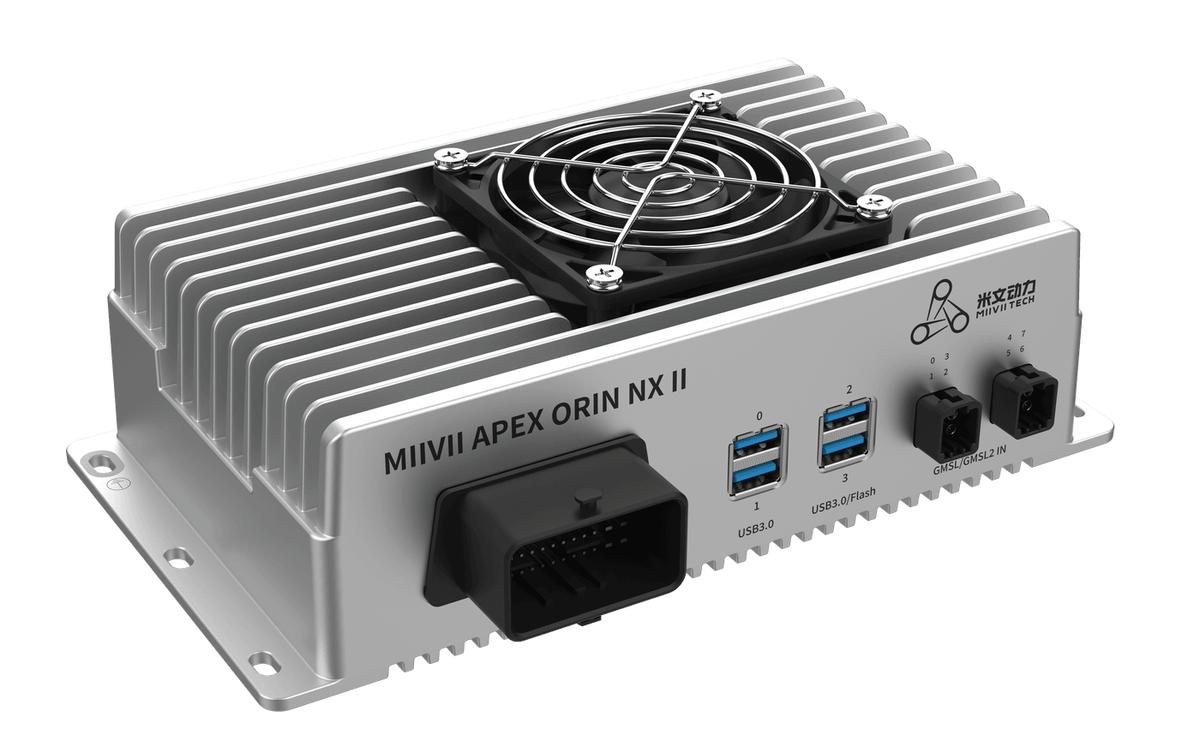
APEX ORIN NX II MAC Address Programming#
Deployment Environment#
Request a MAC Configuration File
The device and host PC must be on the same LAN.
Required Resources#
Name |
Overview |
|---|---|
mac-flasher-x.x.x-aarch64.deb |
Device-side MAC programming tool; install it on the device before programming. |
FlashMacServer |
Host-side MAC server that allocates MAC addresses to devices. |
Tweezers |
Used to erase a programmed MAC address; optional. |
Test Method#
Request MAC Addresses#
Sign in to http://mac.miivii.com/ with your username and password. If you do not know the password, contact the IT department.

Enter the product name, production quantity and other information to generate the corresponding mac.conf data file.

Copy the data file to the FlashMacServer directory on the PC.
Install and Run the Software#
FlashMacServer and mac-flasher are available in the image package for the corresponding device, for example: http://jenkins2.bj.miivii.com/view/JP5.0/job/APEX-ORIN-NX-5.1.1/
Power on the device and install mac-flasher-x.x.x-aarch64.deb from the corresponding image package.
* Installation command: sudo dpkg -i mac-flasher-x.x.x-aarch64.deb*
* Power off the device after installation.*
On the flashing PC, download and extract FlashMacServer-x.x.x.tar.xz.
Configuration#
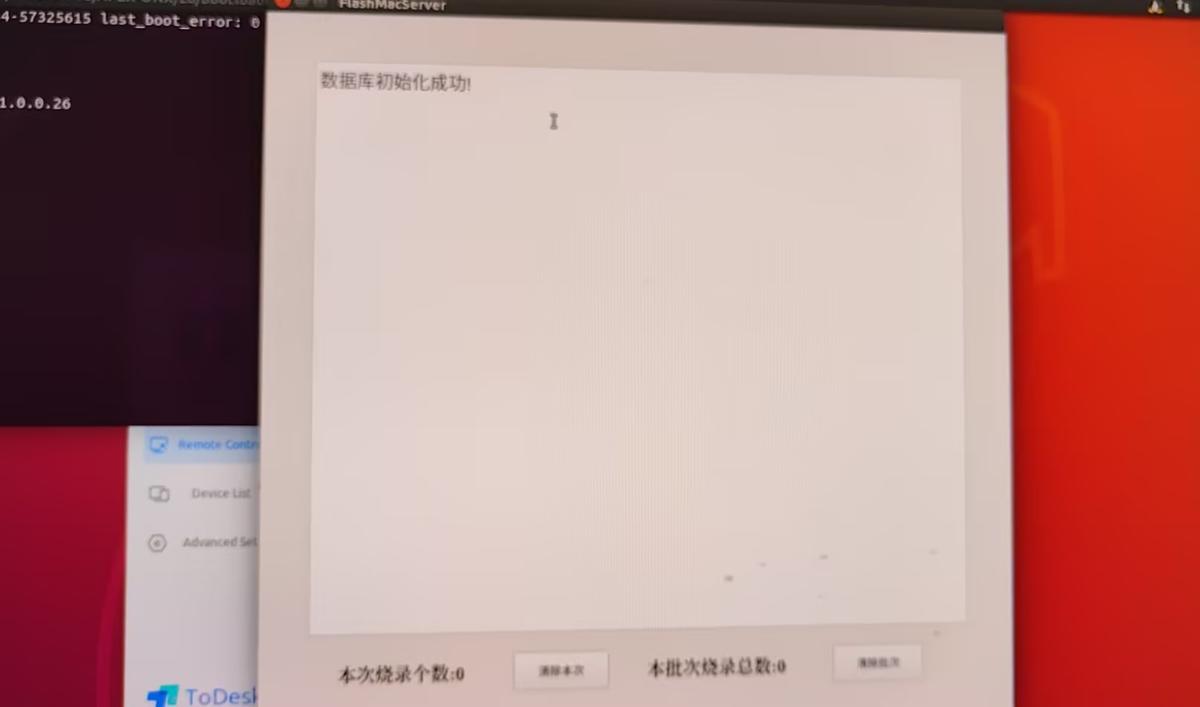
Place the requested mac.conf file in the FlashMacServer directory, then open FlashMacServer as shown below:
Programming#
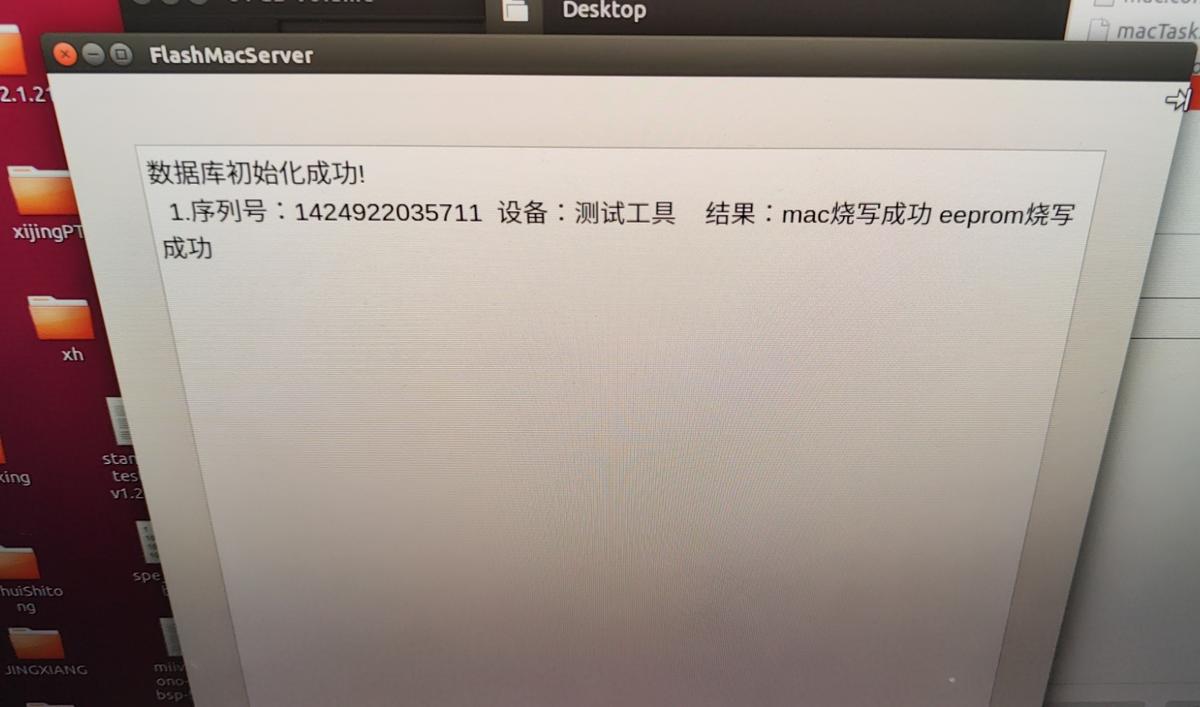
The MAC address is programmed automatically when the device powers on. View the programming results in the FlashMacServer interface. If no information is displayed, run cat /var/log/flash_mac.log on the device to view detailed programming information.
Note:
If the device already has a programmed MAC address, follow to erase the MAC address before reprogramming it.
Verify the Results#
FlashMacServer displays