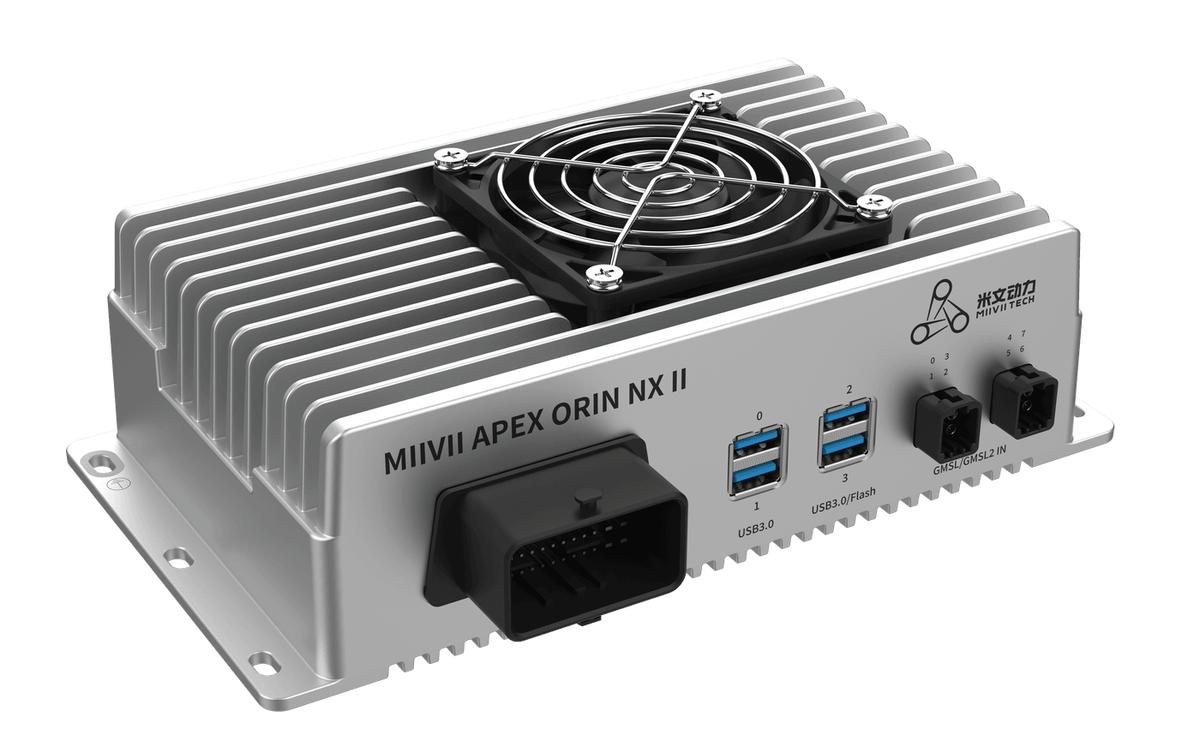
APEX ORIN NX II DEBUG UART Interface#
Hardware Connection#
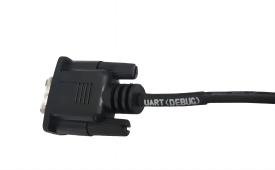
DB9 Pin Definition for the UART Interface:
Pin Definition
Pin |
Signal |
|---|---|
2 |
RX |
3 |
TX |
5 |
GND |
Relationship between Functions and Device Nodes#
Function |
Overview |
|---|---|
UART_(DEBUG) |
Debug serial port with RS232 signal levels |
Usage#
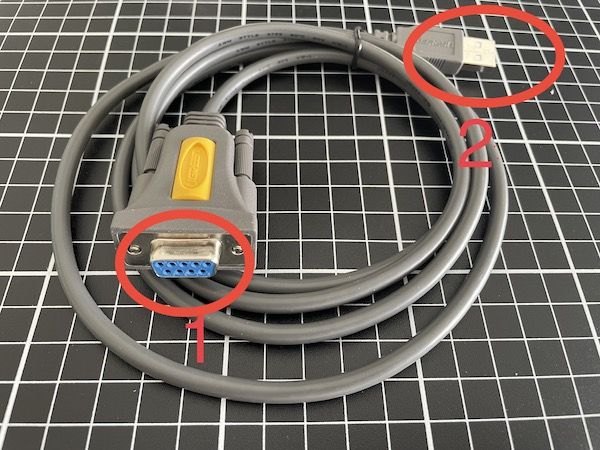
Connect connector 1 to the device’s RS232 connector
Connect connector 2 to the PC
Debug UART supports only a baud rate of 115200
Use an Ubuntu Development PC#
Install PuTTY
# Install
sudo apt-get install putty -y
Obtain the UART Device Node on the PC
# After connecting the USB-to-serial module to the PC, run the following command to obtain the UART device node:
ls /dev | grep -E 'ttyUSB[0-9]+' | sort -V | tail -n 1

# Open PuTTY
sudo putty
In PuTTY, configure “Session”: enter the connected device node in “Serial line”, set “Speed” to 115200, select “Serial” under “Connection type”, and click “Open”.
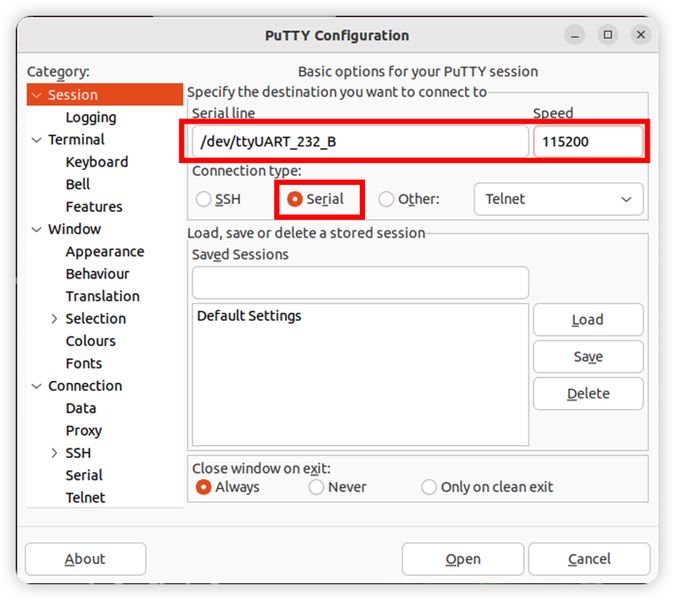
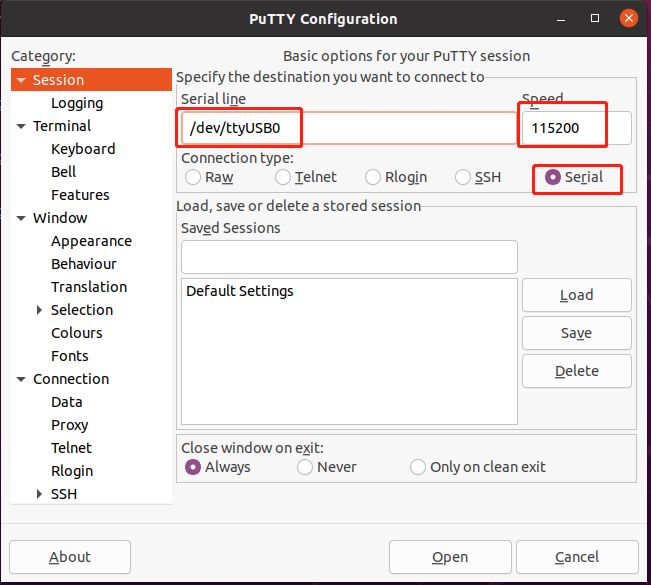
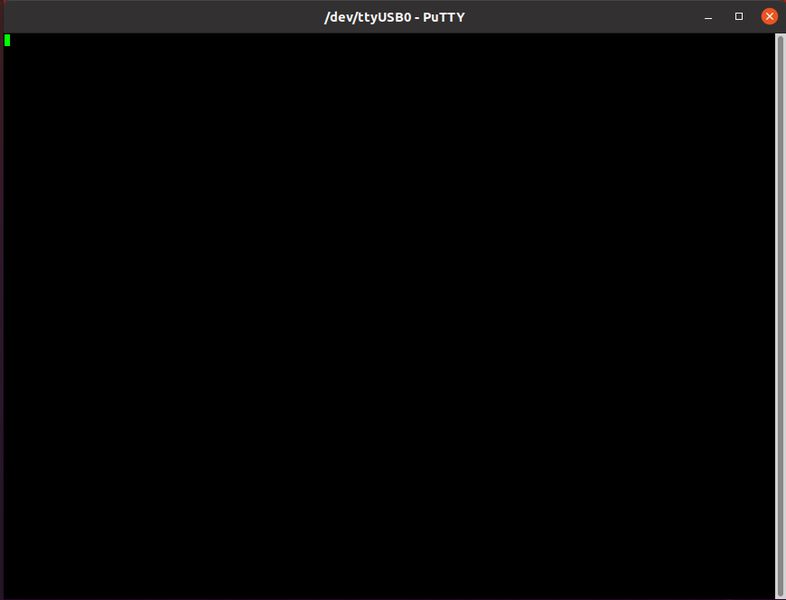
After clicking “Open”, press Enter in the terminal window that appears.
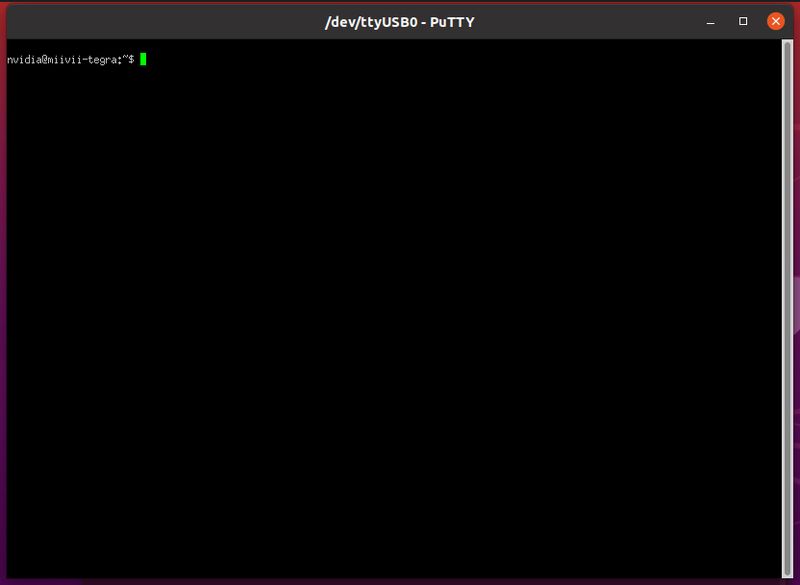
The following output appears after pressing Enter, indicating that you have accessed the device terminal and can view logs.
Q&A#
If the serial port is unavailable, use the following command to add the current user to the dialout group.
sudo addgroup $USER dialout
# Log out and log in again for the group change to take effect.