APEX AD10 GMSL Camera On Trial#
Feature Description#
Currently, there are more than 3 million possible combinations of cameras to choose from. It is impossible to achieve 100% test coverage. Due to the complexity of the hardware, it cannot be guaranteed to work 100% normally. In order to facilitate user use, we have listed all of the available cameras for trial use, allowing for quick verification.
Select GMSL On Trial#
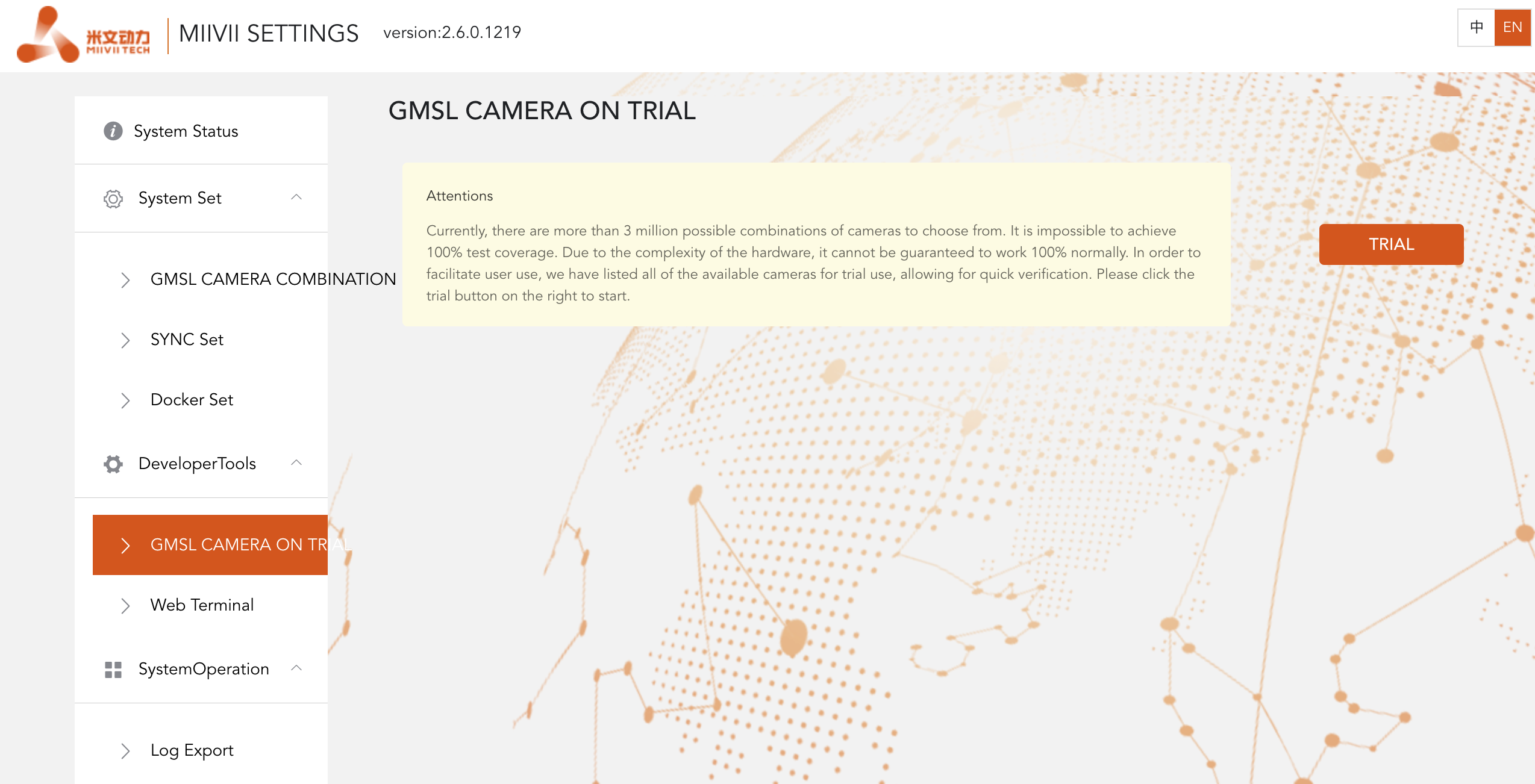
Use TRIAL to use Feature#
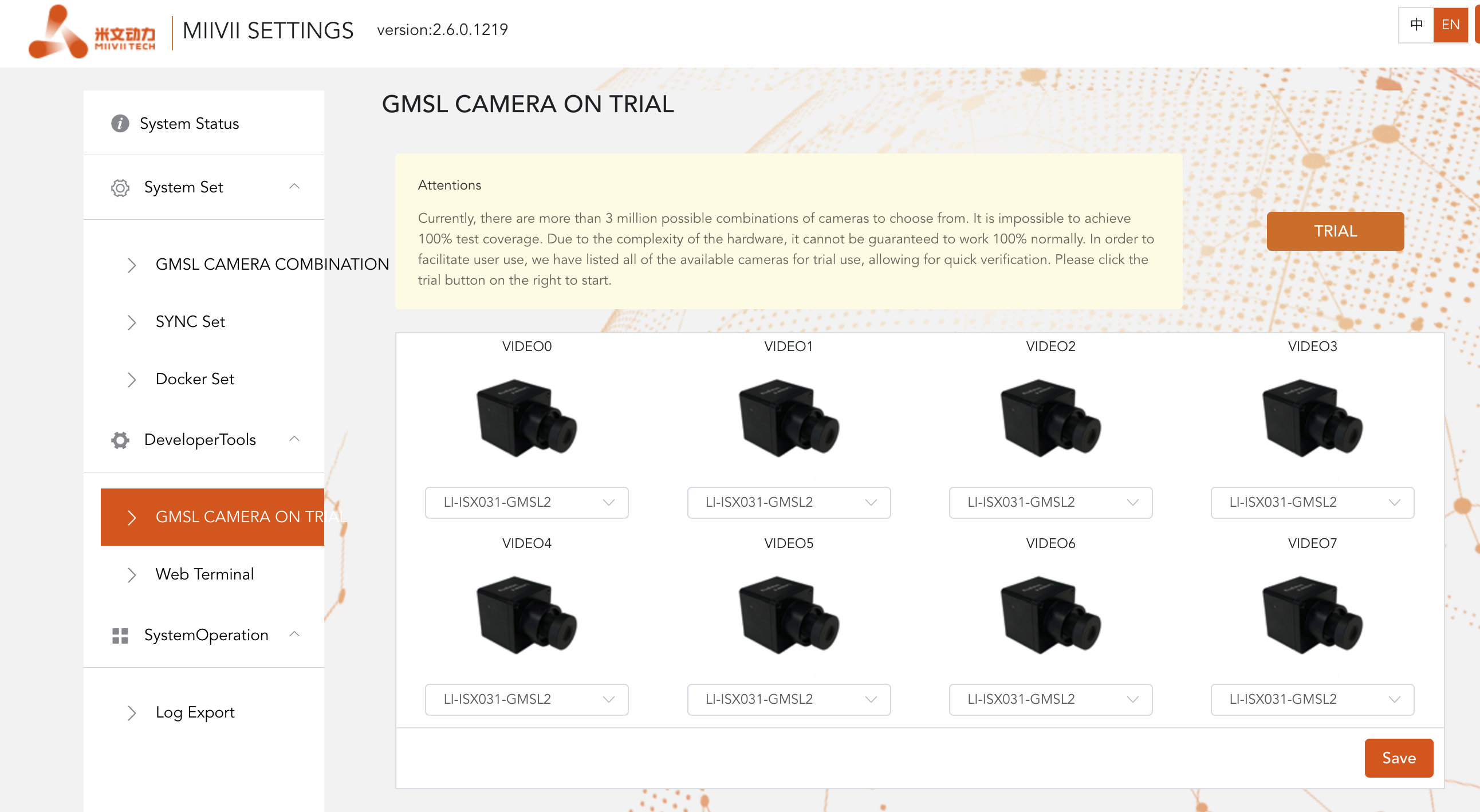
Video output#
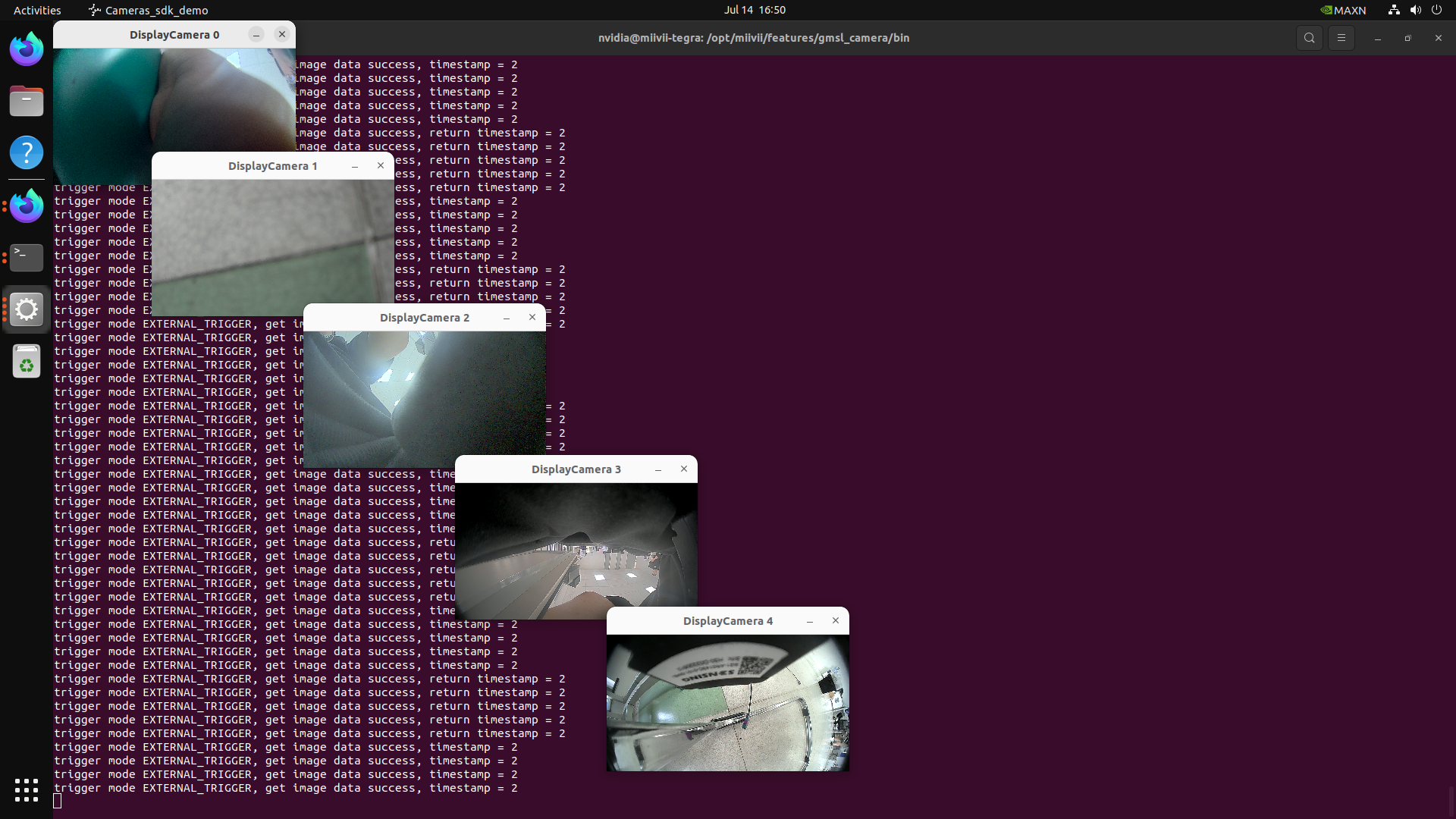
You can use the following commands to quickly open the camera to confirm the effect.
Method 1: Quickly turn on the camera without entering parameters#
Light up the camera#
sudo chmod +x /opt/miivii/features/gmsl_camera/bin/cameras_sdk_demo
cd /opt/miivii/features/gmsl_camera/bin/
# Turn on cameras (Automatically turn on all cameras. To turn on a specific camera, specify the channel number)
./cameras_sdk_demo
#
Method 2: Enter camera parameters to turn on the camera#
Display a single-channel 720P camera#
gst-launch-1.0 -v v4l2src device="/dev/video1" ! video/x-raw,width=1280,height=720,format=UYVY ! xvimagesink
Display a single 1080P camera#
gst-launch-1.0 -v v4l2src device="/dev/video0" ! video/x-raw,width=1920,height=1080,format=UYVY ! xvimagesink
Problem troubleshooting#
The camera shows no image.#
Check if the camera lens cap is open.
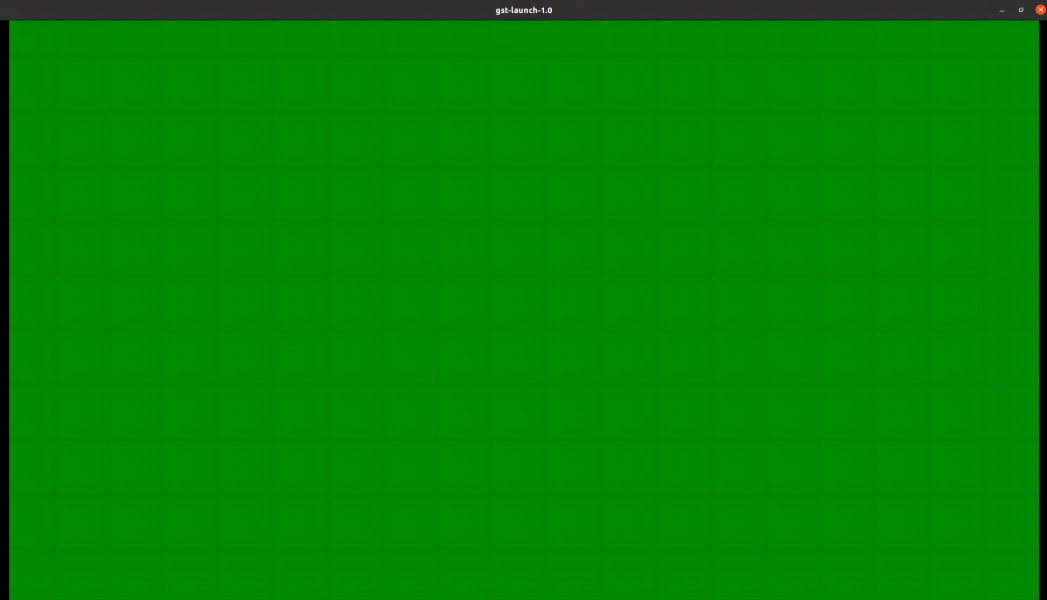
The camera shows a green screen#
Check if the camera only supports self - triggering mode. If so, refer to the advanced section.
The color displayed by the camera is incorrect.#
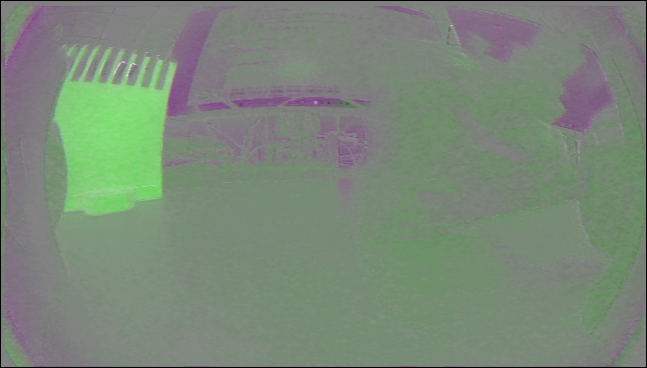
When the camera image format does not match, the following effects will occur.
At this time, it is necessary to check whether the picture format is set correctly.