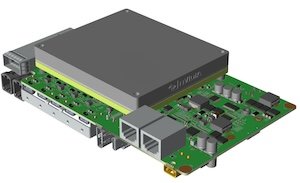
BRD601 THOR GMSL Camera Combination#
Configuration method#
Feature Description#
The camera combination is a verified combination that has undergone long-term testing in the current version, ensuring its stability and robustness. To obtain the latest supported combinations, an internet connection is required.
Use GMSL Combination#
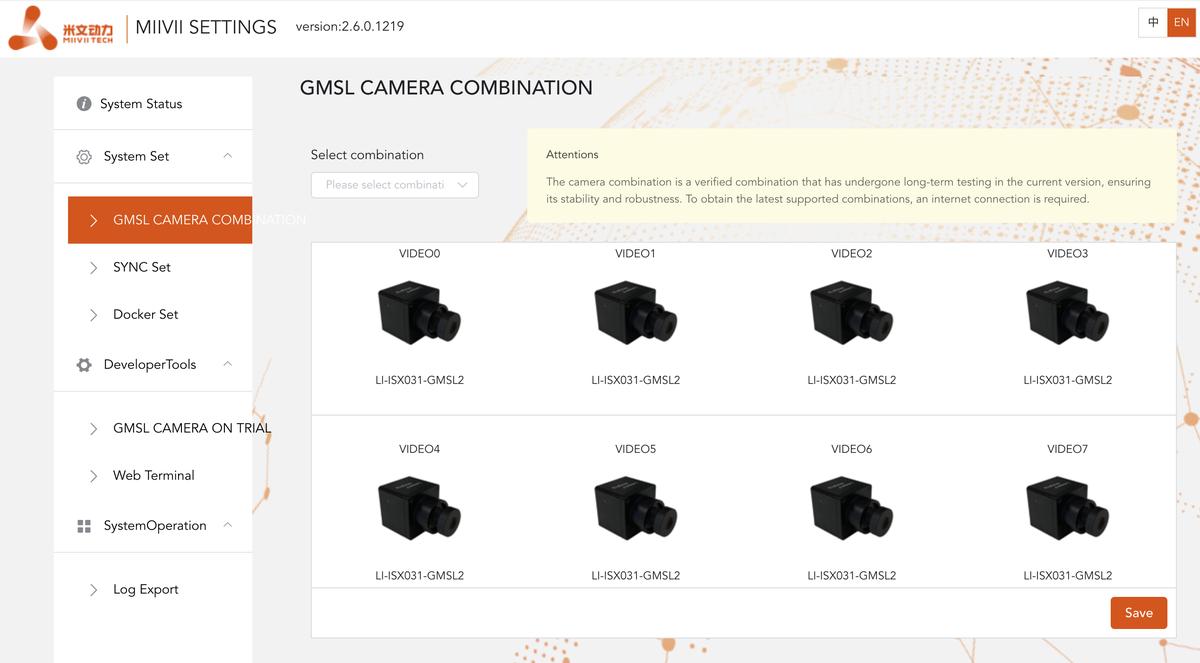
Select file#
Video output#
You can use the following commands to quickly open the camera to confirm the effect.
Method 1: Quickly turn on the camera without entering parameters#
Light up the camera#
sudo chmod +x /opt/miivii/features/gmsl_camera/bin/cameras_sdk_demo
cd /opt/miivii/features/gmsl_camera/bin/
# Turn on cameras (Automatically turn on all cameras. To turn on a specific camera, specify the channel number)
./cameras_sdk_demo
#
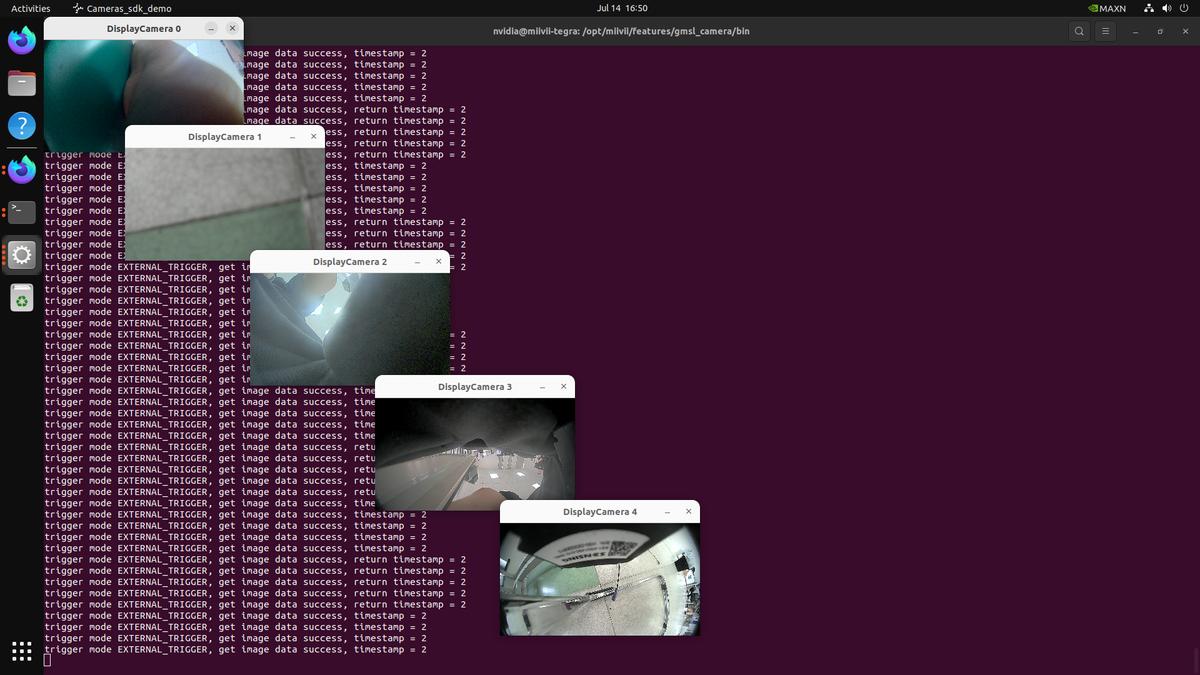
Method 2: Enter camera parameters to turn on the camera#
Display a single-channel 720P camera#
gst-launch-1.0 -v v4l2src device="/dev/video1" ! video/x-raw,width=1280,height=720,format=UYVY ! xvimagesink
Display a single 1080P camera#
gst-launch-1.0 -v v4l2src device="/dev/video0" ! video/x-raw,width=1920,height=1080,format=UYVY ! xvimagesink
Problem troubleshooting#
The camera shows no image.#
Check if the camera lens cap is open.
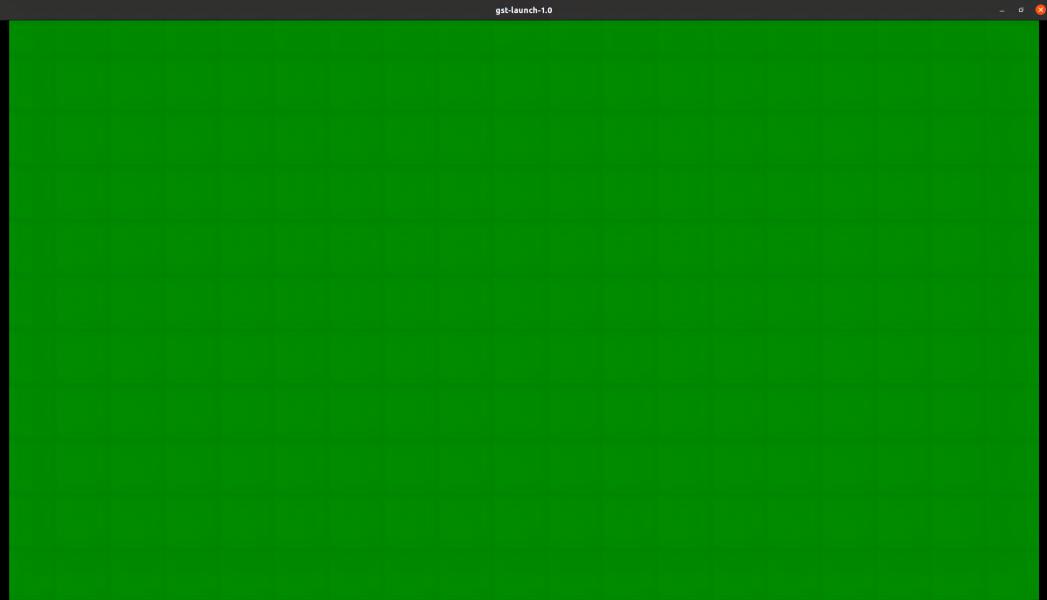
The camera shows a green screen#
Check if the camera only supports self - triggering mode. If so, refer to the advanced section.
The color displayed by the camera is incorrect.#
When the camera image format does not match, the following effects will occur.
At this time, it is necessary to check whether the picture format is set correctly.
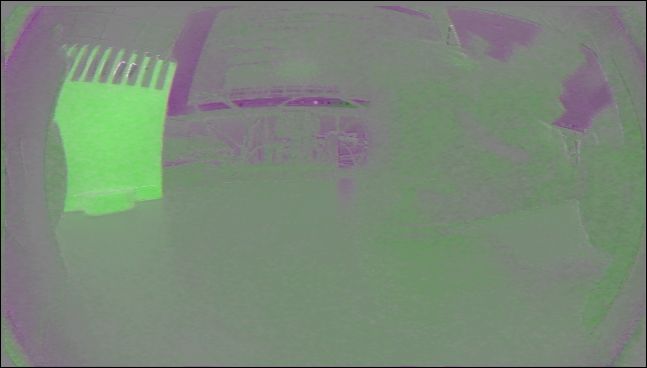
Problem troubleshooting#
Phenomenon: The camera frame rate is inconsistent with the specification in the manual.#
Contact Miwen’s pre-sales for customized support. The optional external trigger frame rates are frame rates that have been verified in practice.
Phenomenon: The external trigger mode is selected, but the actual frame rate does not change following the external trigger.#
Confirm that the correct camera model configuration has been selected.
Ask the camera manufacturer if external trigger mode is supported.
Phenomenon: The camera cannot be turned on or shows a black screen.#
Hardware adaptation check: Confirm that the camera model is on the compatibility list supported by the device (contact the manufacturer to obtain the latest list).
Check if the camera interface is tightly plugged in and that the cable is free from damage or oxidation.
Configuration Node Consistency: In the device web page settings, ensure that the selected camera node number is consistent with the actual physical interface (for example, Interface 2 corresponds to “Camera 2” in the configuration).
Hot-plugging handling: If the camera is re-plugged, the configuration needs to be re-saved in the web settings or the service needs to be restarted to take effect.
Phenomenon: The image appears green.#
Replace the cable. The green screen of most images is related to the cable.
When conducting position swapping tests with other cameras, there are a significant number of green screen issues, which are also related to the camera’s own firmware.
Contact the camera manufacturer to confirm whether the image format output by the firmware is the same as the format supported by the camera.
如不同:联系相机厂商更新固件。或寻找米文销售进行支持。
Situations where the above methods are ineffective#
#Use the following commands to obtain the logs and send the obtained logs to the technical support staff.
curl -sSL https://doc.miivii.com/scripts/run_miivii_diagnostic.sh | sudo bash -s gmsl