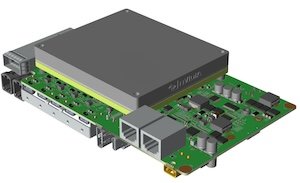
BRD601 THOR Function Keys#

Button Function |
Button Function |
|---|---|
PWR Button |
In shutdown status, press briefly to power on the device. In power-on status, press briefly to bring up the system prompt for shutdown/reboot options. In power-on status, press and hold for more than 5 seconds to power off the device. |
RECOVERY Button |
Press and hold before powering on, and continue holding for more than 3 seconds after powering on to enter firmware upgrade mode. |