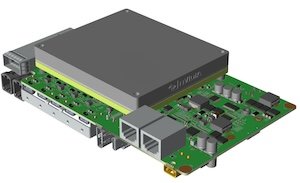
BRD601 THOR GMSL Camera Abnormal Recovery#
Instructions for use#
The camera performs a Reset (power off and then power on)#
cp -r /opt/miivii/features ~/
cd ~/features/gmsl_camera
sudo make;
# Turn on the camera
./bin/cameras_power_reset
How to verify that it takes effect
# Run the camera SDK before #RESET to make it display images
# After executing RESET, the camera image will freeze for approximately 10 seconds and output the following code
reset_Dser_Ser_camera_link success!
# The camera will resume working afterwards