APEX ORIN NANO Power Mode#
Description#
The default setting of the device is MAXN mode.
The power mode setting gives the user the flexibility to control the overall power consumption. It enables users to flexibly set power consumption according to different scenarios.
Set the power graphically#
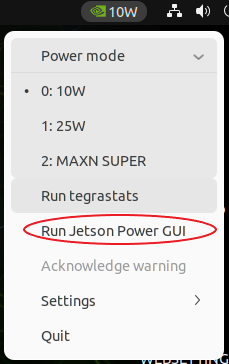
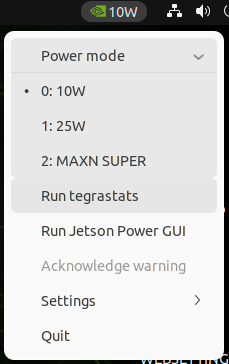
Check the green icon in the top right corner.Select the power mode
Set the power on the command line#
sudo /usr/sbin/nvpmodel -m <Power mode>
#example:sudo /usr/sbin/nvpmodel -m 0,Set the power to MAXN mode.
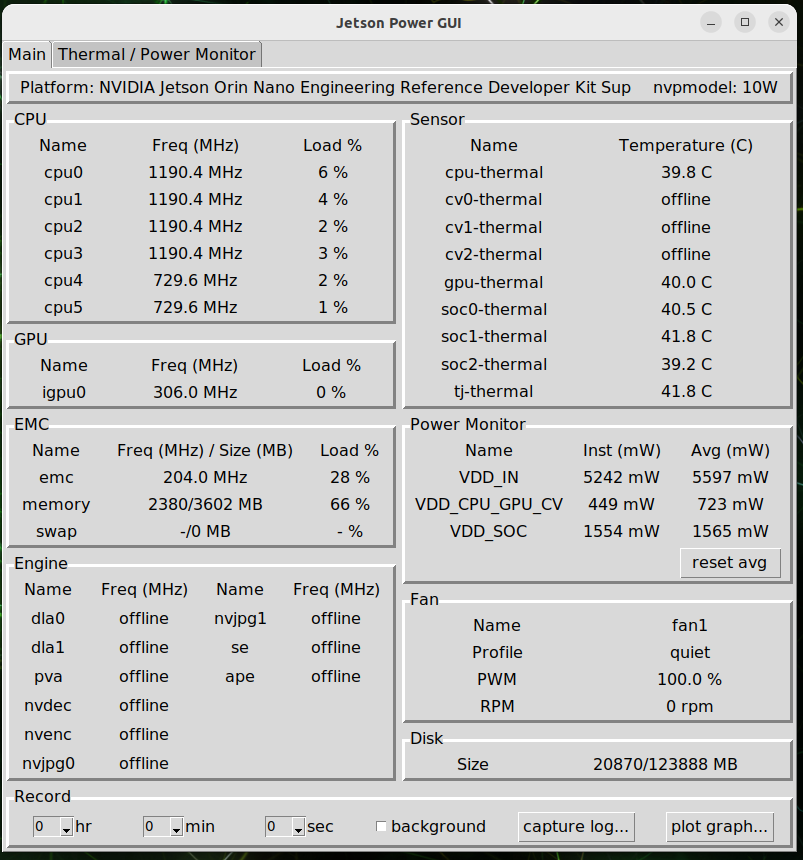
Graphically view the overall status#
Select the RUN Jetson Power GUI to see more detailed information from the program interface that pops up.